
How to Livestream a Business Conference Professionally

A conference room can hold a few hundred people. A well-produced live stream can extend the same message to clients, remote employees, industry partners, and prospective customers wherever they are. Knowing how to livestream a business conference is not simply a technical exercise. It is a brand presentation that requires planning, dependable production, and a clear understanding of what the remote audience needs to see and hear.
A weak stream can make a thoughtful event feel disorganized. Poor audio, unstable video, missing slides, or a camera pointed at an empty stage can quickly reduce attention and affect how viewers perceive the organization. A professional approach protects the work that has already gone into organizing the conference while creating content with value beyond the live event.
Start With the Business Outcome
Before selecting cameras or streaming platforms, define what the conference needs to accomplish. A leadership summit for internal teams has different requirements than a customer-facing product announcement, a nonprofit fundraising program, or a multi-day industry conference.
Consider who will watch, what they need from the experience, and what action should follow. Remote employees may need clear access to presentations and executive messages. Prospective clients may need a polished introduction to your expertise. Sponsors may expect visible branding and proof of audience reach. These decisions shape the production plan, run of show, camera coverage, graphics, and platform selection.
Set measurable goals early. You may want to increase attendance beyond the venue, support hybrid participation, capture sessions for later training, or produce short video assets for marketing. When the objective is clear, the stream becomes an extension of your communications strategy rather than a camera in the back of the room.
Build a Run of Show for the Stream
A conference agenda is useful, but a live stream needs a production-specific run of show. This document maps each segment from the audience's point of view: start time, speaker, session title, slide deck, camera position, lower-third graphic, video playback, and transition to the next item.
Plan what viewers will see before the program begins. A branded holding screen with the event name, start time, and simple viewing instructions looks more intentional than showing attendees finding their seats. The same care should apply during breaks. Displaying sponsor recognition, a schedule, event highlights, or a message about the next session keeps the screen active without relying on an unattended wide shot.
Assign a point person from the conference team to approve schedule changes during the event. Live programs rarely run exactly on time. A designated decision-maker helps the production crew respond quickly when a speaker is delayed, a panel runs long, or a breakout room changes.
Prioritize Audio Before Video
Viewers will tolerate a camera angle that is not perfect. They will not stay with a presentation they cannot hear. Audio is the foundation of a credible business livestream.
Whenever possible, take a dedicated feed from the venue's sound system rather than relying on a camera microphone. Presenters should use properly tested lavalier, handheld, or podium microphones. Panel discussions need a microphone plan for every participant, not one microphone placed in the middle of a table.
A skilled audio operator also monitors for feedback, inconsistent microphone levels, walk-up music, video playback, and questions from the audience. If the room uses a separate audiovisual provider, coordinate with that team well before event day. Confirm what outputs are available, how they are labeled, and whether they will include every speaker and media source needed for the stream.
Choose Internet That Can Support the Broadcast
Venue Wi-Fi is often designed for attendee browsing, not for sending a high-quality live video feed. Even when it works during a site visit, hundreds of guests joining the network can affect performance during the program.
Ask the venue for a dedicated wired connection with verified upload speed. The production team should test the connection from the exact streaming location and confirm whether the network has security restrictions that could interfere with the broadcast. A backup connection, such as a bonded cellular solution, adds protection when the primary service becomes unstable.
The right stream quality depends on the event, platform, and available bandwidth. A higher resolution is not always the better choice if it introduces buffering or dropped frames. Consistent delivery is more valuable than pushing a technical specification the venue cannot reliably support.
Design the Viewer Experience, Not Just the Camera Feed
A business conference needs more than a single wide camera angle. Remote attendees should be able to follow the speaker's expression, see presentation content clearly, and understand who is speaking at any given moment.
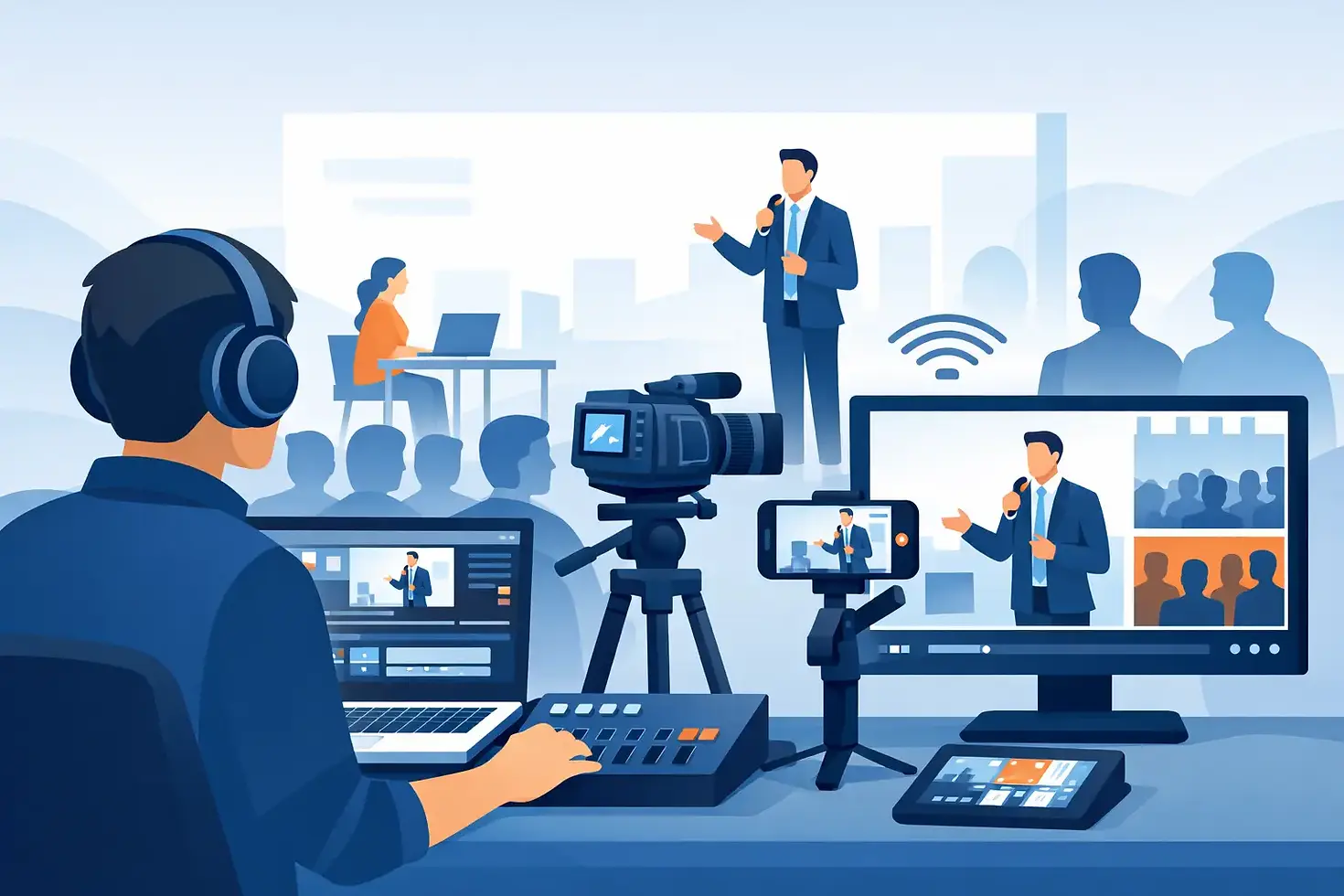
For most conferences, a multi-camera setup provides the best balance of clarity and energy. One camera can capture a clean speaker shot, another can cover wider stage views or panels, and a third can capture audience reactions, moderator questions, or event details. The production team can switch between those views so the broadcast feels intentional and supports the conversation.
Presentation slides deserve equal attention. Instead of filming a projection screen, bring slides directly into the live production when possible. This preserves text clarity and allows the director to place the speaker and slides on screen together. Branded lower-thirds, speaker names, event graphics, and tasteful transitions reinforce professionalism without distracting from the message.
Include Accessibility and Remote Participation
Captions can make the livestream more accessible for viewers who are deaf or hard of hearing, watching in a noisy environment, or following from a workplace where audio is not practical. For high-stakes communications, consider professional live captioning rather than relying only on automated captions.
If remote viewers can submit questions, establish the process in advance. Someone should monitor the chat, select relevant questions, and deliver them to the moderator at appropriate moments. Without ownership, interactive features can become distracting or go unanswered.
Rehearse in the Actual Space
A site survey and rehearsal prevent many of the issues that cause stress on conference day. Visit the room with the venue, event planner, and audiovisual partners when possible. Identify camera locations, cable paths, lighting conditions, power access, stage entrances, and sightline concerns.
Test every presenter microphone, presentation laptop, video playback source, and internet connection. Speakers should practice advancing slides and understand where to stand for the best lighting and camera framing. If there is a remote guest, test their connection, audio, screen sharing, and backup contact method.
The rehearsal should also cover transitions. Confirm how the production team will move from the opening video to the first speaker, from a keynote to a panel, and from the final session to a closing screen. Clean transitions make the program feel prepared, even when adjustments are needed behind the scenes.
Plan for What Can Go Wrong
Reliable conference streaming is built on redundancy. Critical equipment should have a backup path wherever practical: spare microphones and batteries, duplicate recording, backup internet, extra cables, and a contingency plan for presentation files.
Record the program locally, even if the primary goal is live viewing. A local recording protects the content if the platform experiences an interruption and gives your organization a high-quality version for post-event use. Ask presenters to submit slides and videos ahead of time, then store copies with the production team and event lead.
It also helps to set expectations around privacy and permissions. Let attendees know the event is being recorded and streamed. For customer stories, employee recognition, or sensitive internal sessions, clarify which portions are public, private, or excluded from the broadcast.
Extend the Value After the Conference
The live broadcast is only the first release of valuable conference content. Once the event ends, the recording can support internal training, on-demand viewing, sales follow-up, recruitment, social media clips, and future event promotion.
Create a post-event plan before the conference begins. Identify the sessions that should become standalone videos, the speakers whose comments may work well as short clips, and the visual moments that best reflect the energy of the event. This approach gives your organization more useful content without scheduling a separate production day.
For larger programs, working with an experienced production partner can reduce the pressure on your internal team. Germain Gavonni Media supports businesses and event organizers with tailored livestream production that aligns camera coverage, sound, graphics, and brand standards with the goals of the event.
A business conference earns its strongest results when every attendee, whether seated in the room or watching from another city, receives the same sense of clarity, credibility, and connection. Plan the livestream early, give audio and internet the attention they deserve, and treat each broadcast frame as a reflection of your organization.


Comments